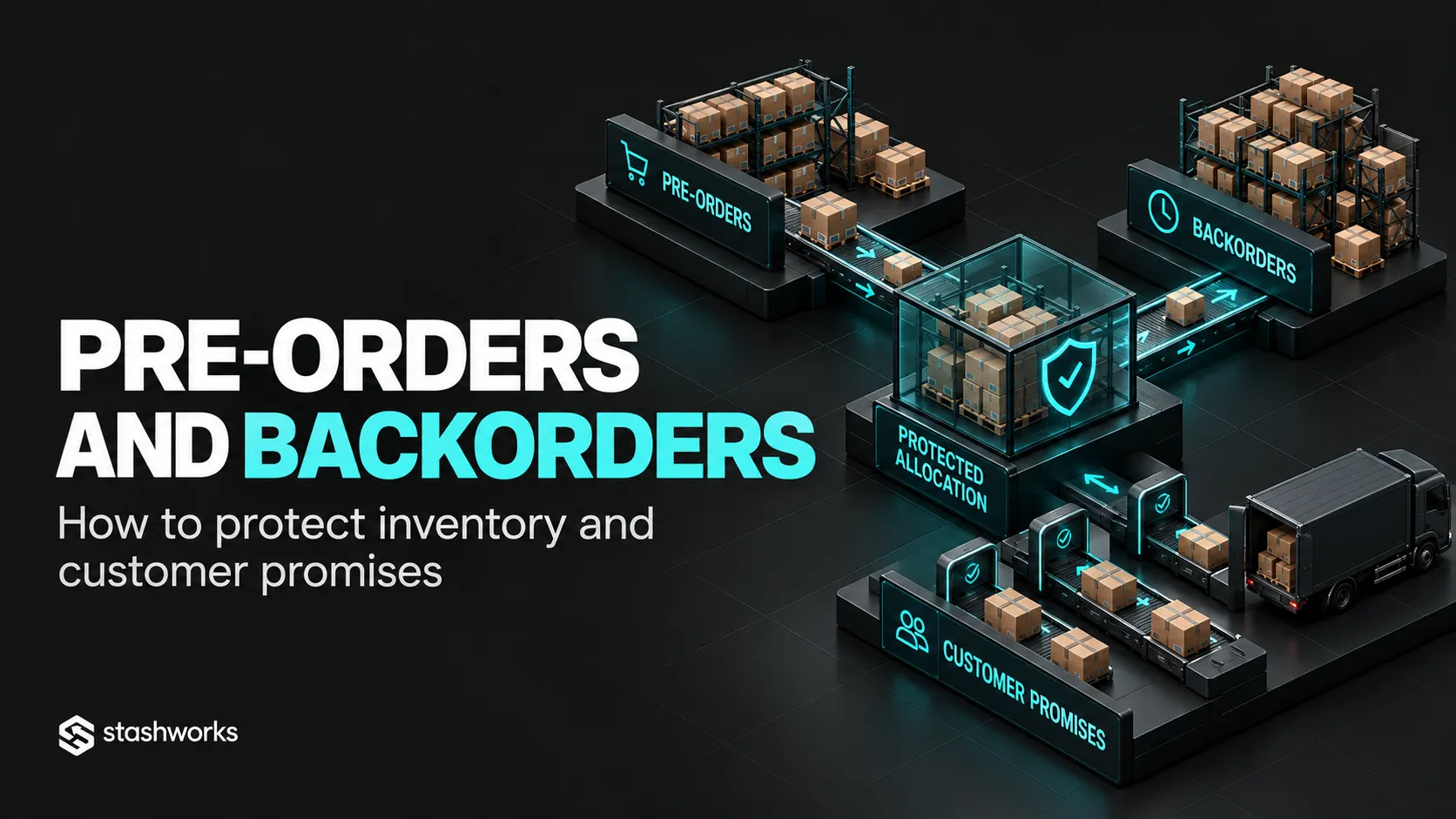
Pre-orders and backorders let brands capture demand before stock is immediately available, but they also create a promise that warehouse, inventory and customer-service systems must honour later.
The operational risk begins when the commercial channel accepts an order without a clear rule for where the inventory will come from, when it will arrive and how the customer will be updated if the plan changes.
Separate pre-orders from backorders
A pre-order usually refers to a product that is not yet released or available for normal fulfilment. A backorder usually refers to an existing product that has temporarily run out but is expected to replenish.
The exact platform labels can differ, but the operational distinction is useful because launch inventory and replenishment inventory often follow different timelines.
Do not treat future stock as ordinary available inventory
Incoming stock can support planning, but it should remain separate from inventory that is physically received and ready to pick.
Shopify's current inventory model treats incoming inventory separately from available stock, which helps prevent units still in transit from being mistaken for immediately sellable warehouse stock.
Define the customer promise before opening sales
State whether the order has an expected dispatch date, a release window or another clear commitment. The commercial team should not publish a date the supply chain cannot reasonably support.
Shopify's current pre-order guidance requires merchants using its pre-order functionality to have a reasonable basis for the stated shipment timing and to update customers if that timing cannot be met.
Reserve demand without hiding it
Pre-orders and backorders should be visible as committed future demand. Purchasing and warehouse teams need to know how much incoming inventory is already spoken for before deciding what remains available for new sales.
A simple rule is to separate incoming quantity, existing commitments and genuinely uncommitted future stock.
Control overselling deliberately
Many ecommerce platforms allow continued selling after stock reaches zero. That setting can support pre-orders or backorders, but it removes the natural inventory stop.
If the business enables selling out of stock, add another control such as a maximum backorder quantity, allocation against a confirmed purchase order or a manual launch cap.
Use a dedicated order or line status
Orders containing future stock should not enter the normal picking queue before the relevant inventory is ready. Use a hold, preorder or backorder status that makes the reason visible.
Do not rely on warehouse staff recognising product names and remembering which lines are not yet fulfilment-ready.
Decide whether mixed orders wait or split
If one order contains an available item and a pre-order item, the business needs a rule: hold the complete order or ship the available line separately.
Shopify currently supports split fulfilments for situations including pre-order and out-of-stock items. The right choice still depends on customer promise, shipping cost and packaging.
The trade-offs are covered in Split Shipments and Partial Fulfilment.
Protect launch inventory from other channels
A new product may have demand from direct ecommerce, marketplaces, retail and wholesale at the same time. If the first inbound is limited, define channel allocation before opening every channel.
The allocation framework in Omnichannel Inventory Allocation can be used to set those rules.
Release orders only after receiving is complete
Physical arrival is not the same as available inventory. The warehouse may still need to count, identify, inspect and put stock away.
Release pre-orders after the agreed receiving event, not merely when the carrier marks the inbound shipment delivered.
Sequence fulfilment fairly
Decide whether orders are released first-in-first-out, by customer tier, by channel requirement or another documented priority. Avoid allowing manual intervention to make fulfilment order arbitrary.
Plan for short receipts
If 1,000 units were expected but only 850 pass receiving, the business needs a rule for which commitments are fulfilled and which customers are notified.
The shortage should create a visible exception rather than silently overselling future stock.
Update customers before they have to ask
If the expected dispatch date changes, customer service should receive the affected order list and approved message. A proactive update is easier to manage than hundreds of “where is my order?” contacts.
Keep cancellation rules aligned
Longer waits can increase cancellation requests. Define the latest stage at which the platform can cancel the order automatically and what happens after warehouse release.
Reconcile remaining commitments after every inbound
After stock is received, compare units received, units rejected, pre-orders released, backorders remaining and free inventory. This protects the next replenishment decision from optimistic quantities.
Measure whether the model is healthy
Useful measures include promised-versus-actual release date, cancellation rate, short-receipt impact, customer contacts per preorder and percentage of incoming inventory already committed.
A strong preorder campaign should not create an uncontrolled fulfilment backlog.
Where Stashworks fits
Stashworks' Ecommerce Fulfilment and Technology services connect inventory, orders and warehouse execution. Pre-order and backorder handling should be confirmed during solution design because the release rules depend on the sales channel and account workflow.
Sources: Shopify Help Center, Pre-orders; Shopify Help Center, Selling Out-of-Stock Products; Shopify Help Center, Split and Partial Fulfilment.