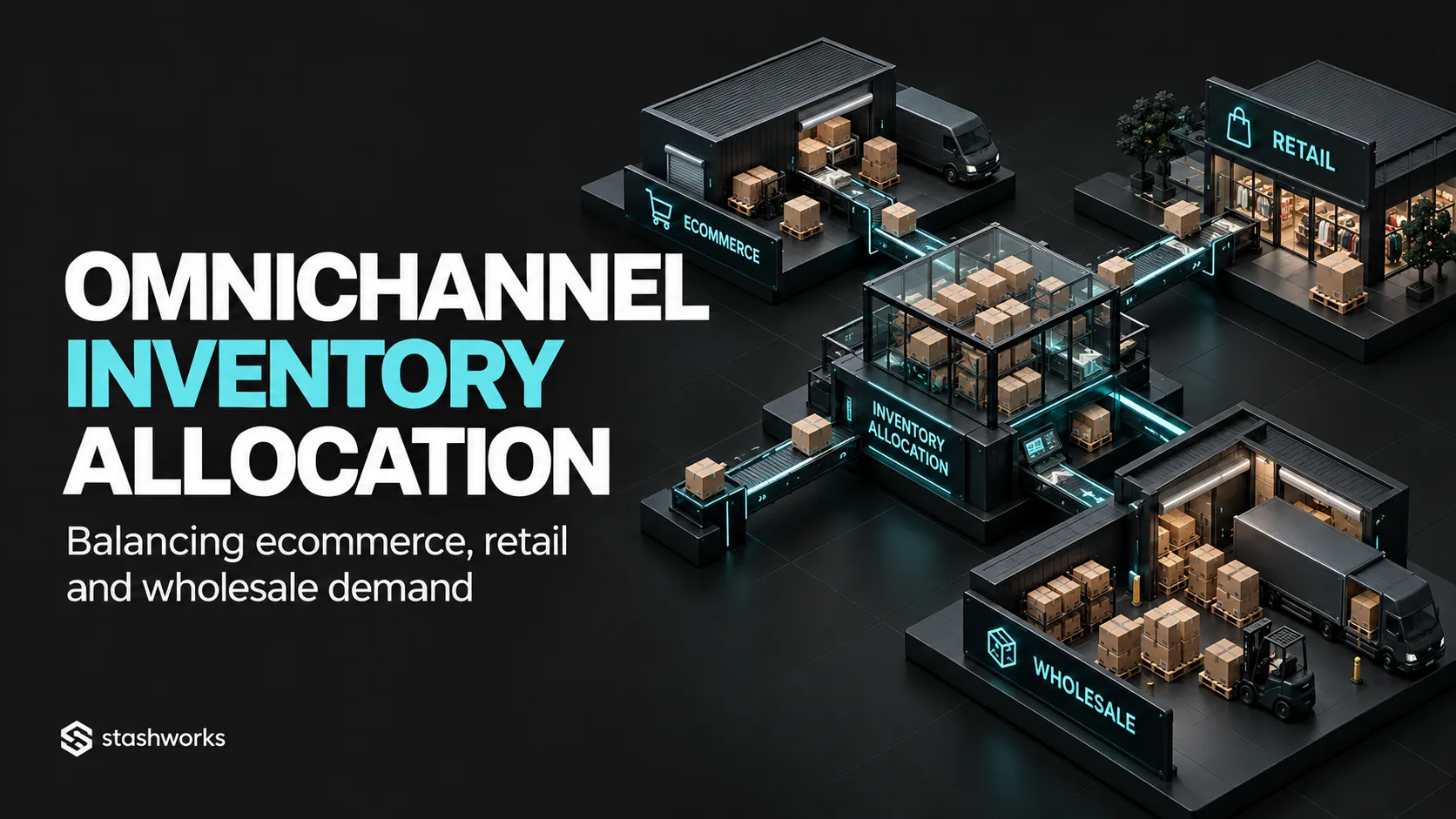
One physical inventory pool can serve ecommerce, retail and wholesale, but those channels do not always have equal priorities or demand patterns. Inventory allocation is the set of rules that decides how much stock each channel can promise and which demand receives the next available unit.
The goal is to avoid both extremes: permanently fragmenting inventory by channel, or exposing every unit everywhere with no control.
Start with one physical inventory model
Know what stock exists, where it is and what state it is in before creating channel allocations. Allocation cannot fix an inaccurate inventory foundation.
The existing Multichannel Order Fulfilment guide explains the shared-pool architecture; this article focuses specifically on priority and allocation rules.
Separate ownership from availability
The business may physically own 1,000 units while only 800 are available to promise because some are reserved, quarantined, safety stock or already committed.
Channel allocation should begin from the genuinely available quantity.
Decide which channels need protection
Wholesale purchase orders, retail launch commitments or marketplace campaigns can justify protected quantities. Document the reason and the expiry date of the protection.
A protected allocation should not become permanent forgotten stock.
Use soft buffers before hard partitions where possible
A soft buffer reduces the quantity published to a channel while keeping the physical stock in one operational pool. A hard partition physically or logically dedicates inventory to a channel.
Soft rules preserve flexibility but require reliable systems.
Prioritise by business objective
Allocation can reflect margin, contractual commitment, strategic account importance, customer promise, campaign participation or service risk.
Do not let the platform that submits the order first automatically define commercial priority unless that is the intended rule.
Wholesale often needs confirmed quantity and dates
A wholesale order may represent a larger commitment with a defined delivery window. Once accepted, the allocated stock should not remain available to online channels.
Reserve it explicitly rather than hiding the quantity in a spreadsheet.
Retail needs location-level control
Store inventory can serve walk-in customers, click-and-collect or ship-from-store depending on the model. Decide which quantities each location can expose to ecommerce.
Shopify locations and order-routing rules illustrate how businesses can control which locations fulfil online orders and how eligible locations are prioritised.
Ecommerce needs enough availability to avoid false stockouts
Over-protecting inventory for wholesale or retail can make the ecommerce store show out of stock while units sit unused elsewhere.
Review protected allocations against actual demand rather than relying on static percentages.
Campaign allocations need an end date
If 500 units are held for a marketplace campaign, define what happens to the unused balance after the campaign closes.
The planning process in Marketplace Campaign Operations can be used to set the release rule.
Use safety stock separately from channel allocation
Safety stock protects against uncertainty in demand or replenishment. Channel allocation determines who can consume available inventory. Combining the two concepts can create hidden double buffers.
Set oversell policy intentionally
If one channel is allowed to continue selling below zero while another is not, the business needs to understand how incoming supply will be assigned to those commitments.
Do not enable overselling without a replenishment and customer-communication plan.
Use order routing for location priority
In multi-location ecommerce, routing rules can choose locations based on complete-order availability, destination market, proximity or configured location priority.
Shopify's current order-routing system applies rules in sequence and can also use location metafields such as capacity as prioritisation inputs.
Protect against race conditions
Two channels can attempt to reserve the last unit within seconds. The architecture needs a clear source of truth and reservation process rather than periodic spreadsheet reconciliation.
Make reallocation a controlled event
When inventory moves from wholesale allocation to ecommerce or from one region to another, record who approved it, quantity, reason and effective time.
This is especially important during shortages.
Review allocation performance
Useful measures include channel stockouts, unused protected stock, oversells, order cancellations, split shipments and aged reservations.
The objective is to see whether allocation improves service and commercial performance rather than merely creating more rules.
Use scenario planning before peaks
Model what happens if one channel exceeds forecast while another underperforms. Decide in advance which allocation can be released and who has authority to make the decision.
Where Stashworks fits
Stashworks' Technology and Warehousing pages describe connected inventory visibility across ecommerce and multichannel operations. Specific allocation logic, retail integration and wholesale workflows should be confirmed for the account rather than assumed from the general service description.
Once stock is allocated to retail demand, the physical outbound workflow is covered in Retail Replenishment Fulfilment, including cartons, labels, documents and delivery windows.
Sources: Shopify Help Center, Understanding Order Routing; Shopify Help Center, Location Fulfilment; Stashworks, Technology.