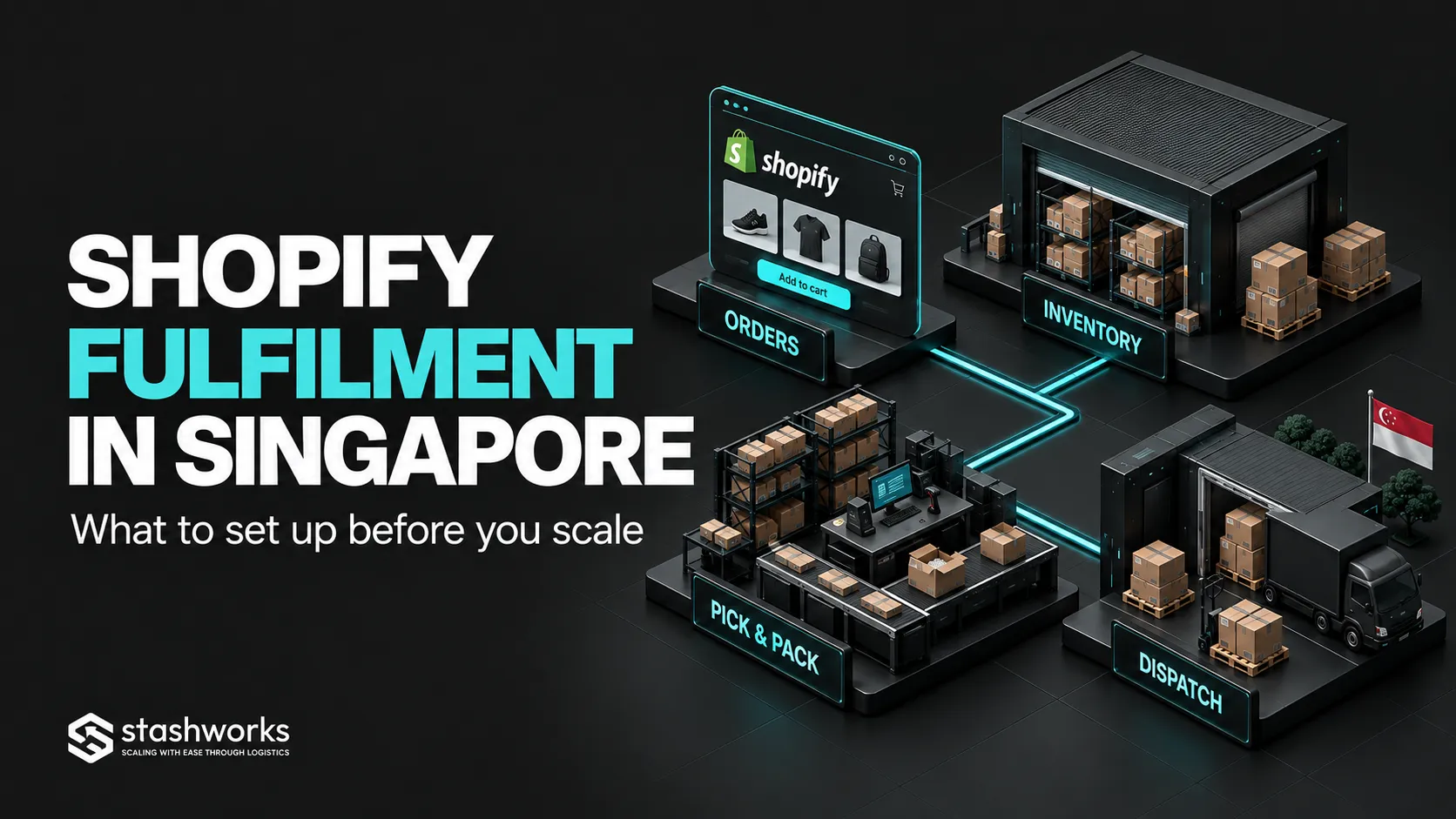
A Shopify store can grow faster than its fulfilment process. The storefront may handle more traffic and transactions with little friction, while the physical operation still depends on one person knowing which shelf contains the product, which orders need priority and whether yesterday's stock adjustment reached the right system.
Before scaling Shopify fulfilment in Singapore, set up the operational model behind the checkout. The important question is not only who packs the parcel. It is how Shopify, inventory locations, the warehouse, shipping rules and returns stay aligned as order volume increases.
Clean the product catalogue before connecting the warehouse
Every sellable variant should have one stable SKU, a useful product description, correct weight and dimensions where needed, and a barcode or other warehouse identifier if scanning is part of the process.
Resolve duplicate SKUs and bundle relationships before integration. A fulfilment connection can move order data quickly, but it cannot decide which of two ambiguous products the warehouse was supposed to pick.
Decide where inventory physically lives
Shopify uses locations to represent places where products are stocked or fulfilled, including warehouses and third-party fulfilment services. Inventory is tracked separately by location.
That means the Shopify setup should reflect the real operation. If a 3PL holds most stock while a retail store keeps a smaller quantity, represent those responsibilities deliberately instead of treating every unit as one undifferentiated pool.
Shopify's current guidance also supports stocking the same product across your own locations and fulfilment apps or services, with each location maintaining its own quantity.
Configure which locations are allowed to fulfil online orders
A location can exist in Shopify without being the right source for every online order. Review which products each location stocks, which destinations it can serve, and whether it should fulfil online orders at all.
This matters when the business has showroom stock, reserve inventory, a 3PL, pop-up stock or different fulfilment arrangements for different products.
Set order routing before the first busy week
With multiple active locations, Shopify can route orders according to inventory availability and configurable rules. Its default routing strategy can minimise split fulfilments, keep fulfilment inside the destination market where possible and prioritise the closest location.
Review whether those rules match your economics. A business may prefer one primary Singapore fulfilment location, may want to avoid splitting orders, or may need particular products routed to a specialist location.
Do not wait for a large campaign to discover that the system is assigning orders to a location your team did not expect.
Define the inventory quantity customers are actually allowed to buy
Shopify's fulfilable-inventory model links customer availability to stock at locations that can ship to the customer's zone. It also allows specific products to continue selling when out of stock if that setting is intentionally enabled.
Review these settings SKU by SKU where risk is high. A preorder product and a normal stocked product should not accidentally use the same overselling behaviour.
Connect the fulfilment service as an operating system, not an inbox
A basic custom fulfilment service can receive order information by email, but a scaling operation usually needs a deeper event flow: order creation, allocation, cancellation, fulfilment status, tracking and inventory updates.
Stashworks currently lists Shopify in its supported integrations and describes connected order syncing, stock updates and shipping information on its technology page. Before go-live, confirm the exact integration method for your store and test the events your business actually uses.
Define the order statuses that trigger warehouse work
Do not let every order visible in Shopify automatically become a parcel. Decide which payment and fraud states are eligible for release, how orders on hold are treated, and what happens when a customer edits or cancels an order.
Write down the point at which the warehouse is allowed to pick. Then define the final point at which a cancellation can still stop dispatch. Those rules should be understood by customer service as well as fulfilment.
Configure shipping around the fulfilment location
Shipping profiles, shipping zones and delivery methods should match what the chosen fulfilment locations can actually perform. Rates and customer promises are commercial settings, but they create warehouse obligations.
If the checkout promises a service the warehouse and carrier workflow cannot support, the problem appears later as an urgent manual exception. Align shipping offers with realistic processing time, carrier collection and destination coverage.
Make cut-off times explicit
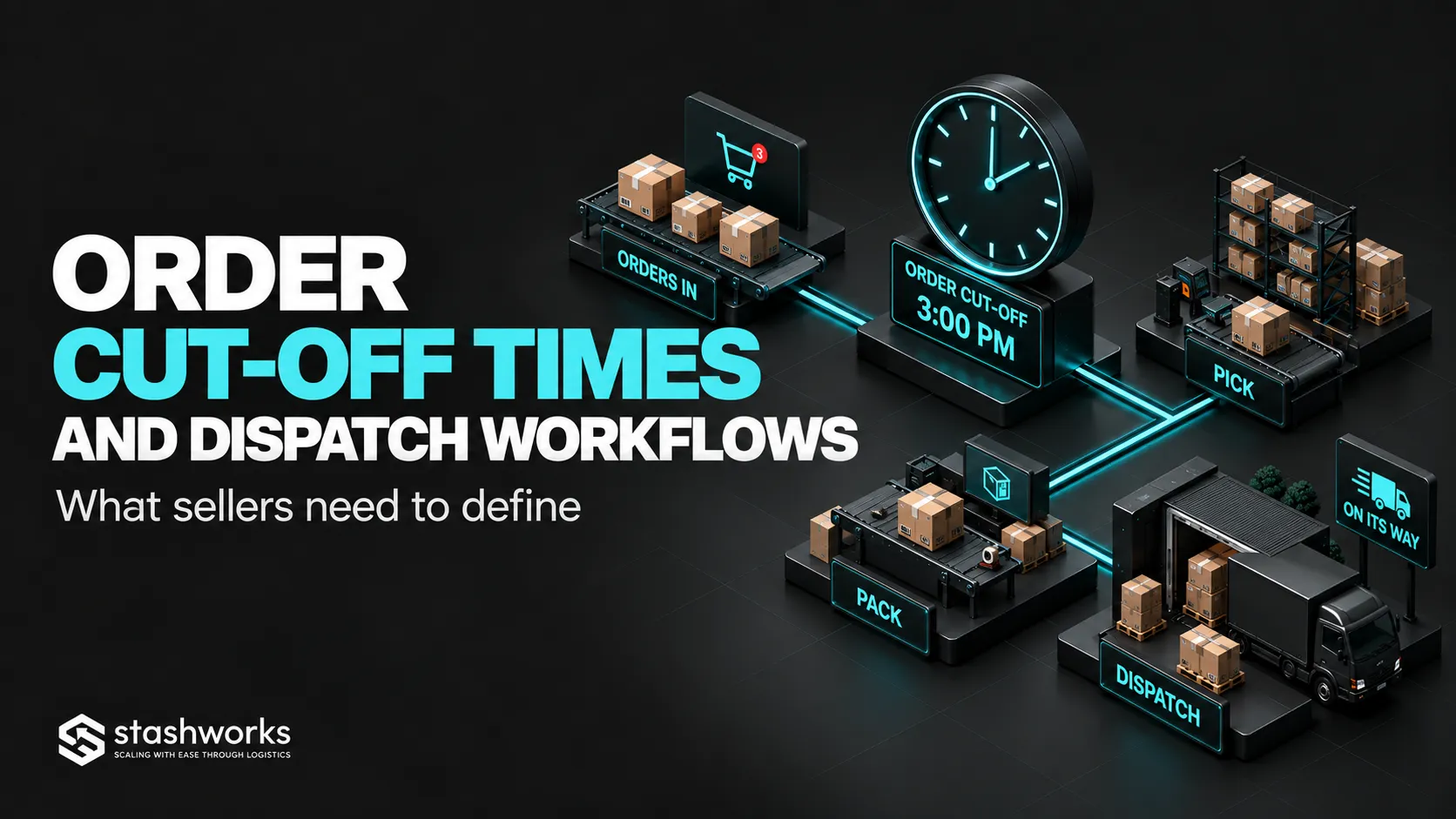
A customer-facing cut-off, the warehouse's processing cut-off and a carrier's final collection are three different times. Define all three and leave operational margin between them.
The same principle applies to weekends and public holidays. A promise that works on a normal Tuesday can fail if the business has not defined what happens to Friday-night and holiday orders. The framework is covered in Order Cut-Off Times and Dispatch Workflows.
Design returns before they become a volume problem
Choose the return address, identify the original Shopify order, inspect the physical item and decide when a unit can return to saleable inventory. Refund timing and physical inventory timing are related but not identical.
If a 3PL receives returns, clarify whether it only receives and records them or also performs inspection, repacking or other value-added work. Stashworks' broader reverse-logistics guide covers the physical decision flow.
Test failure scenarios, not only a successful order
Before scaling, run representative tests: a normal single-SKU order, a multi-line order, an out-of-stock item, a bundle, a cancellation after release, a partial return, a failed inventory sync and a tracking update.
Also test what happens when no single location can fulfil the entire order. Shopify can split orders or assign them according to routing rules, and the resulting customer and shipping experience should be understood before it occurs at scale.
Use a small operating scorecard after launch
Track the measures that expose fulfilment quality: orders waiting for release, stockouts, inventory adjustments, order exceptions, pick-and-pack errors, time to dispatch and returns waiting for disposition.
Do not add dozens of metrics if no one acts on them. The purpose is to detect where the Shopify-to-warehouse flow is slowing or losing accuracy.
Scale the system before you scale the promise
Shopify can support multiple locations, fulfilment services and sophisticated order routing, but the configuration needs to match the physical operation. Product identity, locations, available inventory, order status, warehouse release, shipping and returns should form one explainable workflow.
Stashworks lists Shopify integration as supported and connects its ecommerce fulfilment operation with a web-based WMS and inventory visibility. When evaluating the setup, confirm the precise Shopify connection and test your real order and exception scenarios before moving a larger share of volume through it.
If an external operations partner will work inside Shopify or connected marketplace tools, use the controls in Marketplace Account Access and Permissions. For deciding whether the problem sits in channel operations or physical fulfilment, see Ecommerce Enablement vs Fulfilment vs SOBAAS.
Sources: Shopify Help Center, Locations; Shopify Help Center, Location Fulfilment; Shopify Help Center, Order Routing; Stashworks, Ecommerce Fulfilment.